


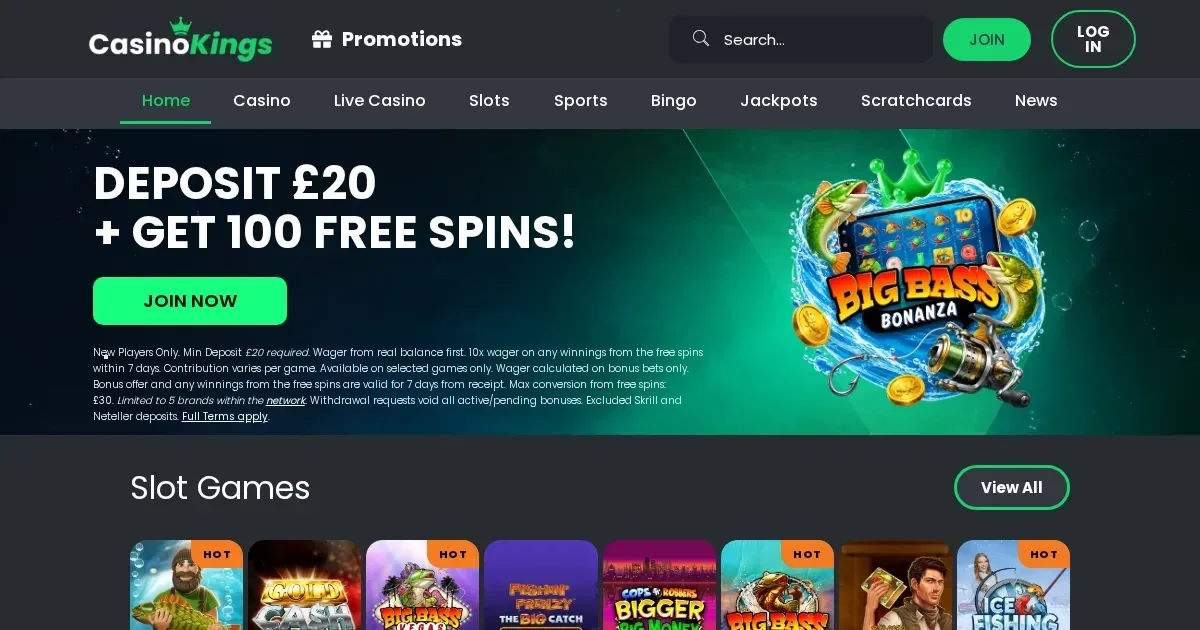
Your Kings account lives at the operator's own site, and only the operator can restore, verify or unblock it. This page explains how signing in works, what to do when it fails, and where to get help.
How to sign in to your Kings account
Follow these steps to reach your account:
- Open the Kings site in your browser.
- Click the sign-in button.
- Enter the email address and password you chose at registration.
- Click to confirm and your account opens.
If you do not have an account yet, registration happens at the operator's site too.
Signing in from your phone
The Kings site works in a mobile browser — Safari, Chrome, Firefox or Edge — and you use the same account and password as on desktop. Open the site, tap the sign-in button, enter your credentials and you are in.
The operator runs the account on its own servers, so the same login works on every device you use.
What to do when signing in fails
A handful of things cause a refused login. Work through this list:
- Wrong email or password. Check for typos, and make sure caps lock is off.
- Account not verified. Kings enforces mandatory age and identity verification before allowing deposits or gambling. Check your inbox for a verification request from the operator.
- Self-exclusion in force. If you set a self-exclusion period, the account stays closed until that term ends. Contact support if you need to confirm the end date.
- Browser or session problem. Clear your browser cache and cookies, restart the browser, and try again.
- Inactivity block. Accounts inactive for 12 consecutive months are classified as dormant and may be restricted. Support can confirm the status.
If none of those apply, the problem sits with the operator's system — contact support with the exact message on screen.
Resetting a forgotten password
Click the "Forgot password?" link on the sign-in screen. The operator sends a reset link to the email address you used at registration. Follow that link, choose a new password, and sign in with it.
If you no longer have access to that email address, contact Kings support at [email protected]. They will ask for proof of identity before making changes to the account.
Why an account gets blocked or restricted
Kings restricts access for several reasons:
| Cause | What happens |
|---|---|
| Verification required | Deposits, gambling and free-to-play games are blocked until you upload proof of ID and address |
| Self-exclusion | Account closed for the chosen period (6 months to 5 years); cannot be undone during term |
| High fraud score or abnormal gameplay | Enhanced KYC checks triggered; account restricted until documents are reviewed |
| 12 months of inactivity | Account classified as dormant; £5 monthly fee applies |
These holds exist for legal and security reasons. The operator confirms the cause and the steps to lift it when you contact them.
Who to contact for help
Reach Kings support through live chat, email at [email protected], or the contact form on the site. Support operates 24/7.
Have these details ready before writing in: the email address on your account, when the problem started, and the exact message or error you see on screen. That information lets support answer in the first reply rather than asking for it later.
Keeping your account safe
Sign in only on the Kings site — type the address yourself or use a bookmark. Never follow a link in an email or a message claiming to be from the operator; phishing attempts copy the look of a real site to steal credentials.
Use a password you do not use anywhere else. If another site you use is breached, a unique password keeps your Kings account safe.
Sign out when you finish playing on a shared device. A browser left open gives the next person full access to your account and your balance.
Gambling should be entertainment, not a chore. Kings provides deposit limits, net deposit limits, wager limits, loss limits, session limits, reality checks, time-out options (1 to 42 days) and self-exclusion (6 months to 5 years). Any reduction in limits takes effect immediately; any increase takes 24 hours. If gambling ever stops feeling like play, free and confidential support is available through GamCare at gamcare.org.uk or the National Gambling Helpline on 0808 8020 133 (free, 24/7), BeGambleAware at begambleaware.org, and GamStop at gamstop.co.uk for free national self-exclusion. Blocking software such as Gamban (gamban.com) and BetBlocker (betblocker.org) works across all devices. For residential and online treatment, contact Gordon Moody at gordonmoody.org.uk.
This site is for players aged 18 and over (18+) only. For free, confidential support with gambling, visit BeGambleAware.org.