


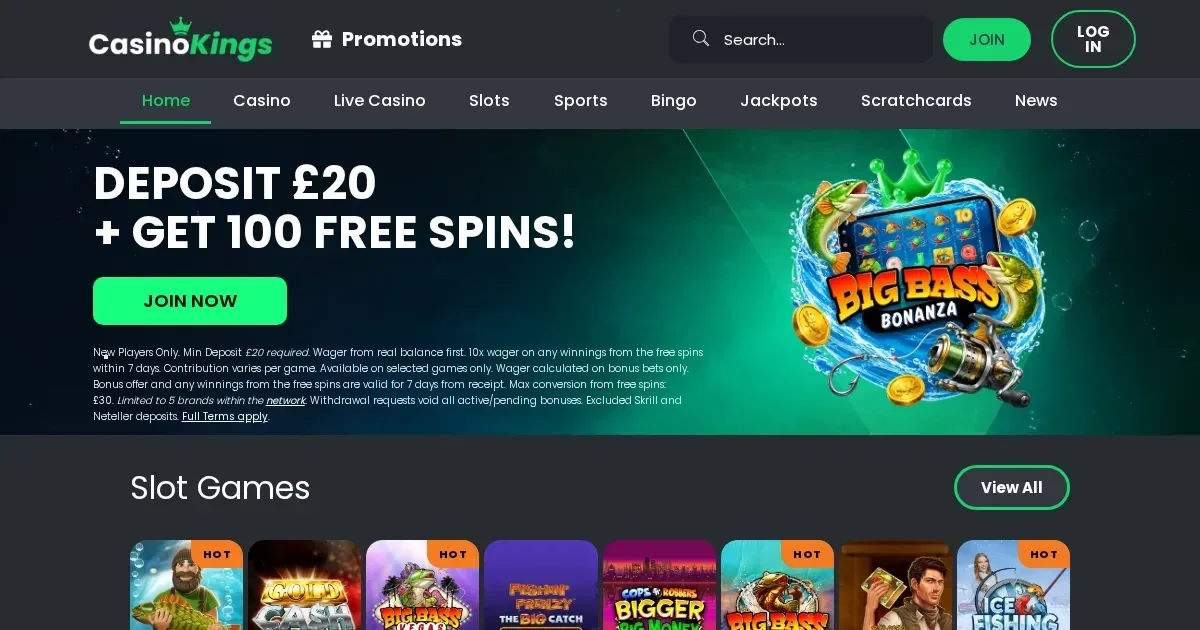
Kings runs entirely in mobile browsers, with no separate application to download. You open the site at kings-casino.nl from Safari, Chrome or any other phone browser and log in with the same credentials you use on desktop. The library of 4,000+ games, the cashier and the support channels work on smaller screens without an installed app.
Reaching Kings from a phone
Follow these steps to start playing on mobile:
- Open your phone's browser and navigate to kings-casino.nl.
- Tap the 'Join' button if you are new, or 'Login' if you already have an account.
- Enter your credentials – the same username and password you created on desktop.
- Access the lobby, choose your game and start your session.
The site detects your device and loads a responsive layout automatically. Nothing needs installing, and you skip the 200–400 MB storage footprint a native application would demand. Updates reach you the moment we publish them, with no manual refresh or store approval delay.
What you can actually do on a small screen
Our mobile browser interface supports the full game catalogue. The 4,000+ slots, live dealer tables, jackpots and table games from providers including Pragmatic Play, Big Time Gaming and Blueprint Gaming run directly in the browser window. Tap a thumbnail, the game loads in portrait or landscape, and the touch controls replace mouse clicks.
The cashier opens from the menu icon at the top of the screen. You can make deposits, request withdrawals and check your transaction history from the same account you use on a laptop. Payment methods available on mobile include:
- PayPal – £10 minimum deposit, instant processing
- Visa Debit and Mastercard Debit – £10 minimum, 1% withdrawal fee up to £3
- Pay N Play (Trustly) – £10 minimum, instant deposits and withdrawals
- Skrill, Neteller and Payz – £10 minimum each
Withdrawals carry the same 1% fee up to £3 whatever method you choose, and requests appear as 'Pending' until processed. You cannot cancel a withdrawal once submitted, on mobile or desktop.
Identity verification happens in the browser too. When the operator asks for documents – mandatory before your first withdrawal or under certain risk triggers – you can photograph your ID and proof of address with the phone's camera and upload them through the account dashboard. Response times for KYC submissions are not published, so expect a wait of one to three working days before clearance.
Support channels remain accessible on mobile. The live chat widget opens from the bottom-right corner of the screen, and the email address [email protected] works from any device. Both operate 24/7, though live chat can take several minutes to connect during peak hours.
Where the small screen bites
Some tasks feel cramped on a phone. The rewards store, where you exchange loyalty points for bonuses, renders as a vertical scroll of dozens of items – workable but slower than the desktop grid. Bonus terms, buried under expandable headings in the promotions page, demand more taps to read in full.
Table layouts in games like blackjack and roulette shrink to fit the screen, and the smaller betting grid can make precise chip placement harder when you are playing quickly. Live casino streams adapt to your connection, but a weak signal drops the video quality or pauses the feed mid-hand.
We enforce age-based slot stake limits: £2 per spin for players aged 18 to 24, and £5 per spin for those 25 and over. These caps apply on mobile and desktop alike, and a bet exceeding them voids the win on that round.
Battery drain is real. An hour-long slot session with sound, animations and a live connection can pull 15–20% from a typical phone battery. Plug in or charge beforehand if you plan to play for longer than a few spins.
Quick checklist before you play on mobile
Run through these points before starting a session on your phone:
- Check your connection. A 4G or 5G mobile signal works, but Wi-Fi is steadier for live games and reduces the chance of a dropped round.
- Confirm the address bar shows kings-casino.nl. Phishing sites mimic the real domain, and a typo or a fake link can land you on one.
- Set deposit and loss limits from the responsible gambling section of your account before you start. A device you carry everywhere makes unplanned deposits easier, and a ceiling you chose in advance stops impulsive top-ups.
- Log out when you finish, especially on a phone others can pick up. Staying logged in on a shared device risks someone else placing bets on your account.
Responsible gambling on a mobile device
A phone in your pocket means the casino is always within reach, which can turn casual play into something harder to step away from. We offer deposit limits, wager limits, loss limits and session limits you can set from the account dashboard. Any reduction takes effect immediately; an increase waits 24 hours before applying.
Self-exclusion blocks your access for a minimum of six months and a maximum of five years across all ProgressPlay sites. The decision cannot be undone during the term, and reopening requires positive action plus a one-day cooling-off period. If a break sounds necessary, tools like GamStop (gamstop.co.uk) block access to all UK-licensed sites at once, and blocking software such as Gamban (gamban.com) works across devices.
For free, confidential support, call the National Gambling Helpline on 0808 8020 133 (24/7) or visit BeGambleAware. If your device is shared with anyone under 18, parental-control software like Net Nanny or Qustodio can block gambling sites from their reach.
Access to this site is restricted to persons aged 18 and over (18+). Gambling should be entertainment, not a chore – for free, confidential help, visit BeGambleAware.org.